Picture guide
Create. Publish. Share.
These are the real screens you will use, shown in order.
- 01
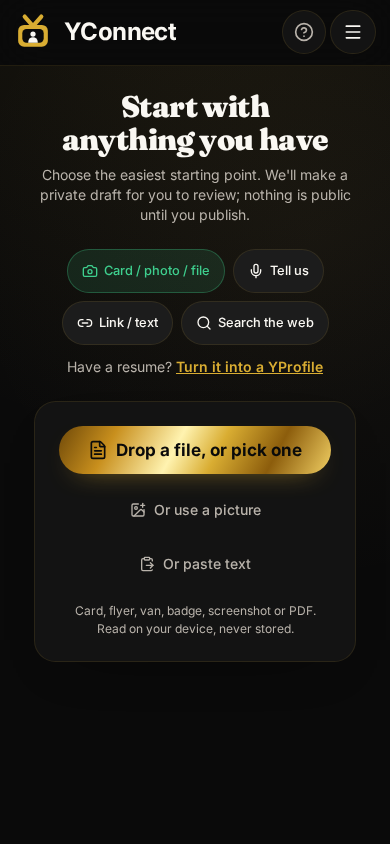
Start with anything
Use a photo, your voice, a link, search, or type it yourself. You review the private draft before anything is public.
- 02
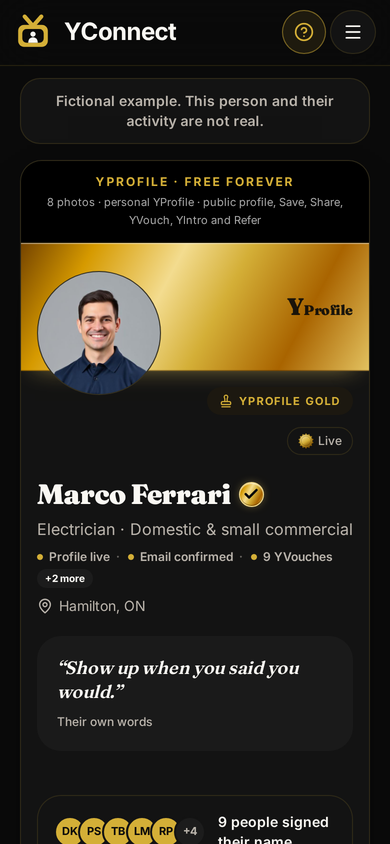
Make it sound like you
Check your photo, name, work, contact details and evidence. Publish only when the introduction feels right.
- 03
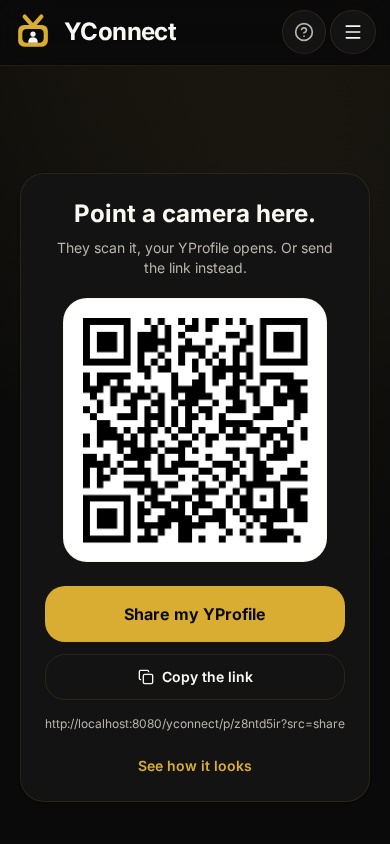
Share the person
Send the link, show the QR code, ask for a vouch, or introduce two people, or recommend a business you saved to your local Main Street — free.